Save campaign as a template
You can save a new campaign as a template. Creating templates lets anyone in your district reuse information – such as title, goal amount, description, and media – in future campaigns.
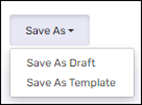
After you have created a campaign, select Save As > Save As Template.
To use a saved template:
-
Create a campaign.
-
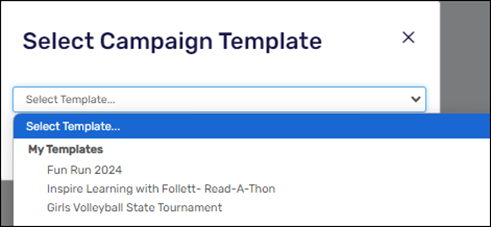
On the Campaign Details page, under Main Details, click Choose a Template.
- Select your saved campaign from the drop-down.
See Create a campaign.
For additional help, contact techsupport@follettsoftware.com.